This guide outlines the exact process for Indian college students to verify their academic status and claim the GitHub Student Developer Pack.
1. Before you start
Ensure you have the following documents and settings ready to avoid instant rejection:
- Physical College ID Card: Must be current and show a valid expiry date or academic year (e.g., 2023-2027).
- Supporting Document: A recent fee receipt, bonafide certificate, or latest marksheet (PDF or clear photo).
- Government ID: Keep your PAN Card or Aadhaar Card handy if your college ID uses initials instead of your full name.
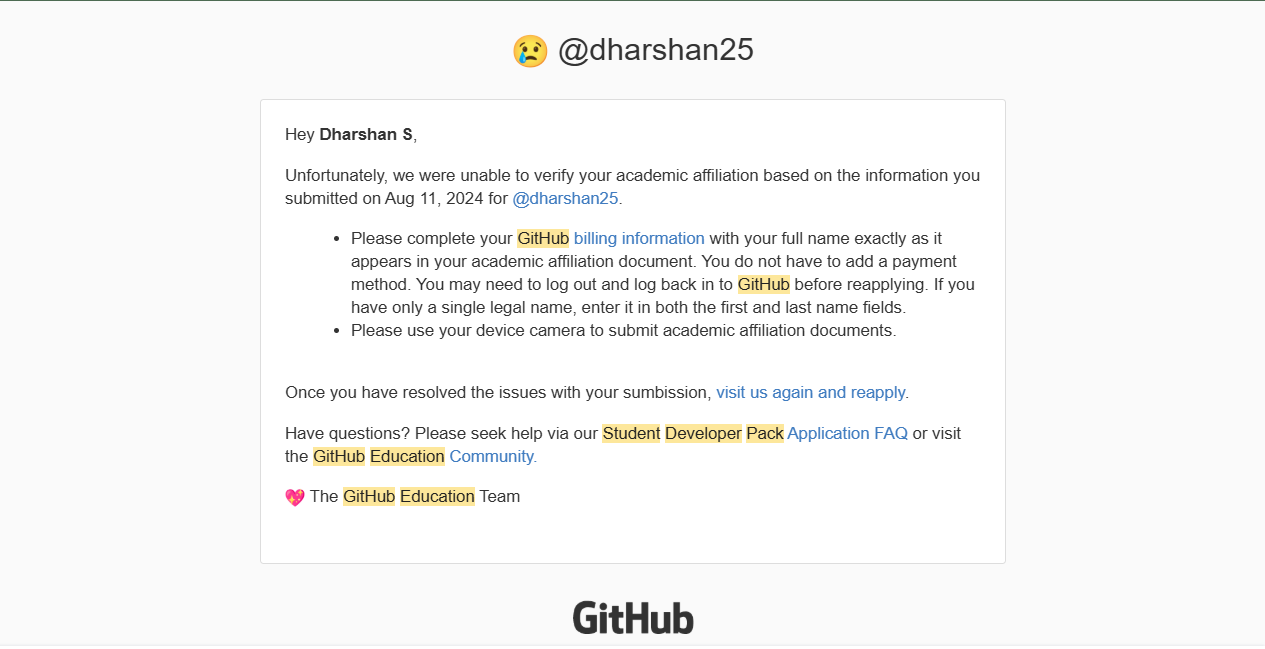
- GitHub Profile: Ensure your GitHub "Name" matches the name on your academic documents exactly.
- Location Services: You must be physically near your campus (or use a network that identifies your location correctly) when applying, as GitHub checks your IP/GPS.
2. Step-by-Step Verification
- Navigate to GitHub Education: Go to education.github.com/benefits and click on 'Get student benefits'.
- Select Your Account:
Choose the GitHub account you want to upgrade. Ensure you have added and verified your college email address (
.edu.in) in your GitHub settings if you have one. - Identify Your School: Select your college name from the dropdown. If it’s not listed, type the full name as it appears on your ID card.
- Describe Your Usage: Briefly explain how you plan to use GitHub for your studies (e.g., "To host my Web Development projects and collaborate on open-source assignments").
- Upload Proof of Enrollment:
- Select 'Take a picture' (GitHub often rejects uploaded files in favor of live photos).
- Place your College ID on a flat surface.
- If your ID is missing an expiry date, place your Fee Receipt next to the ID so both are visible in one frame.
- Submit and Wait: Click 'Process my application'. Verification can take anywhere from a few hours to 14 days.
3. India-Specific Tips & Workarounds
Verification in India often fails due to naming conventions and document formatting. Use these tips to succeed:
The "Initials" Workaround (Crucial)
Many Indian college IDs use initials (e.g., "A. S. Kumar"), while GitHub and Government IDs use full names ("Arjun Santhosh Kumar").
- The Fix: Take a single photo where you place your PAN Card or Aadhaar Card directly below your College ID.
- This allows the reviewer to link the initials on the college ID to the full legal name on the Government ID.
No Expiry Date on ID
If your college ID only shows the "Date of Issue" or "Batch" (e.g., 2022-2026):
- The Fix: Do not upload the ID alone. Use the "Live Photo" option to capture your ID Card and your latest Semester Marksheet or Admission Letter in the same frame.
Avoid VPNs
GitHub's automated system is extremely sensitive to location. Turn off all VPNs and use your mobile data or college Wi-Fi. If you apply from a different city than your college, your application will likely be flagged for manual review or rejected.